1
2
3
4
5
6
7
8
9
10
11
12
13
14
15
16
17
18
19
20
21
22
23
24
25
26
27
28
29
30
31
32
33
34
35
36
37
38
39
40
41
42
43
44
45
46
47
48
49
50
51
52
53
54
55
56
57
58
59
60
61
62
63
64
65
66
67
68
69
70
71
72
73
74
75
76
77
78
79
80
81
82
83
84
85
86
87
88
89
90
91
92
93
94
95
96
97
98
99
100
101
102
103
104
105
106
107
108
109
110
111
112
113
114
115
116
117
118
119
120
121
122
123
124
125
126
127
128
129
130
131
|
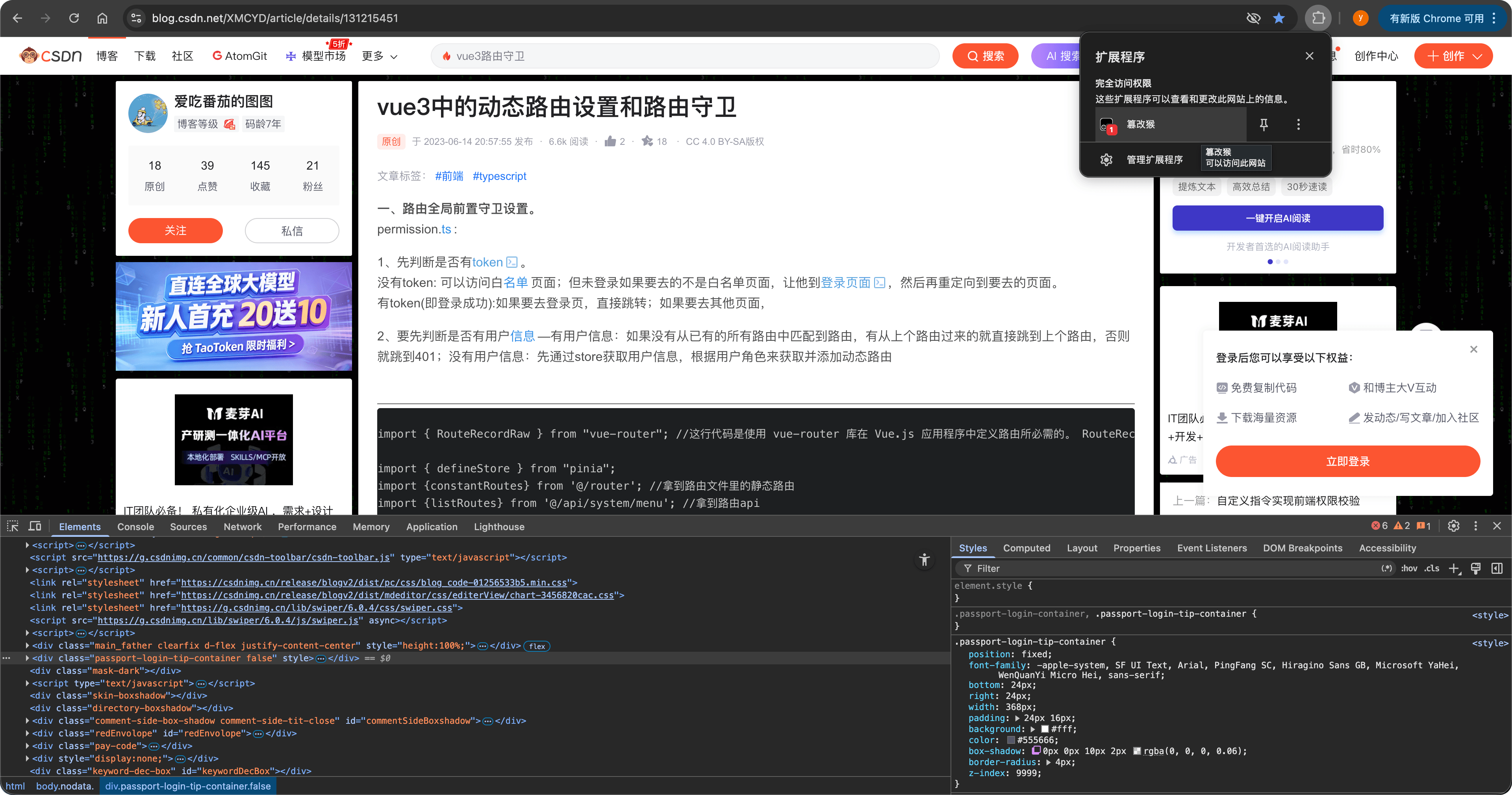
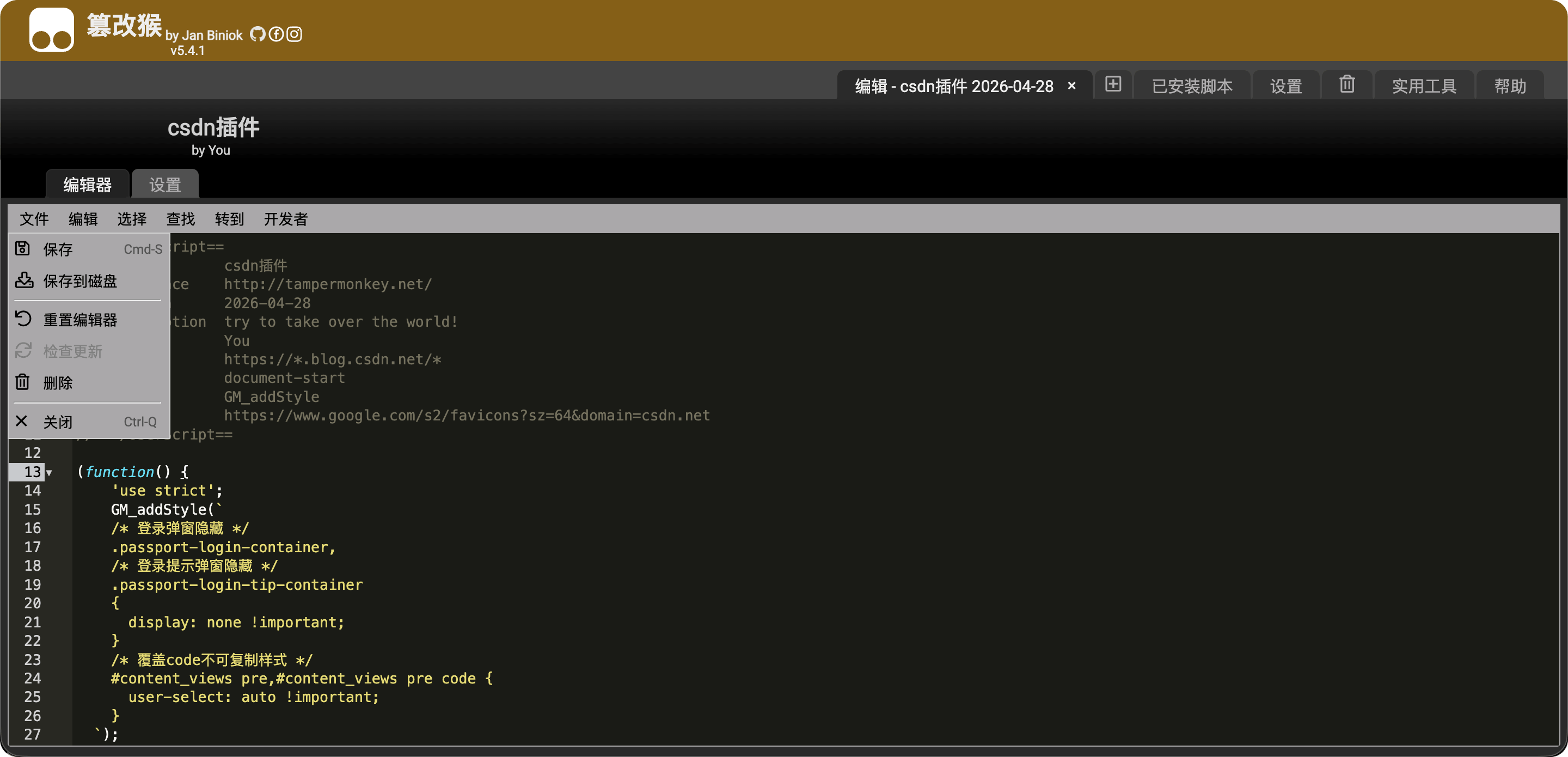
(function() {
'use strict';
GM_addStyle(`
/* 登录弹窗隐藏 */
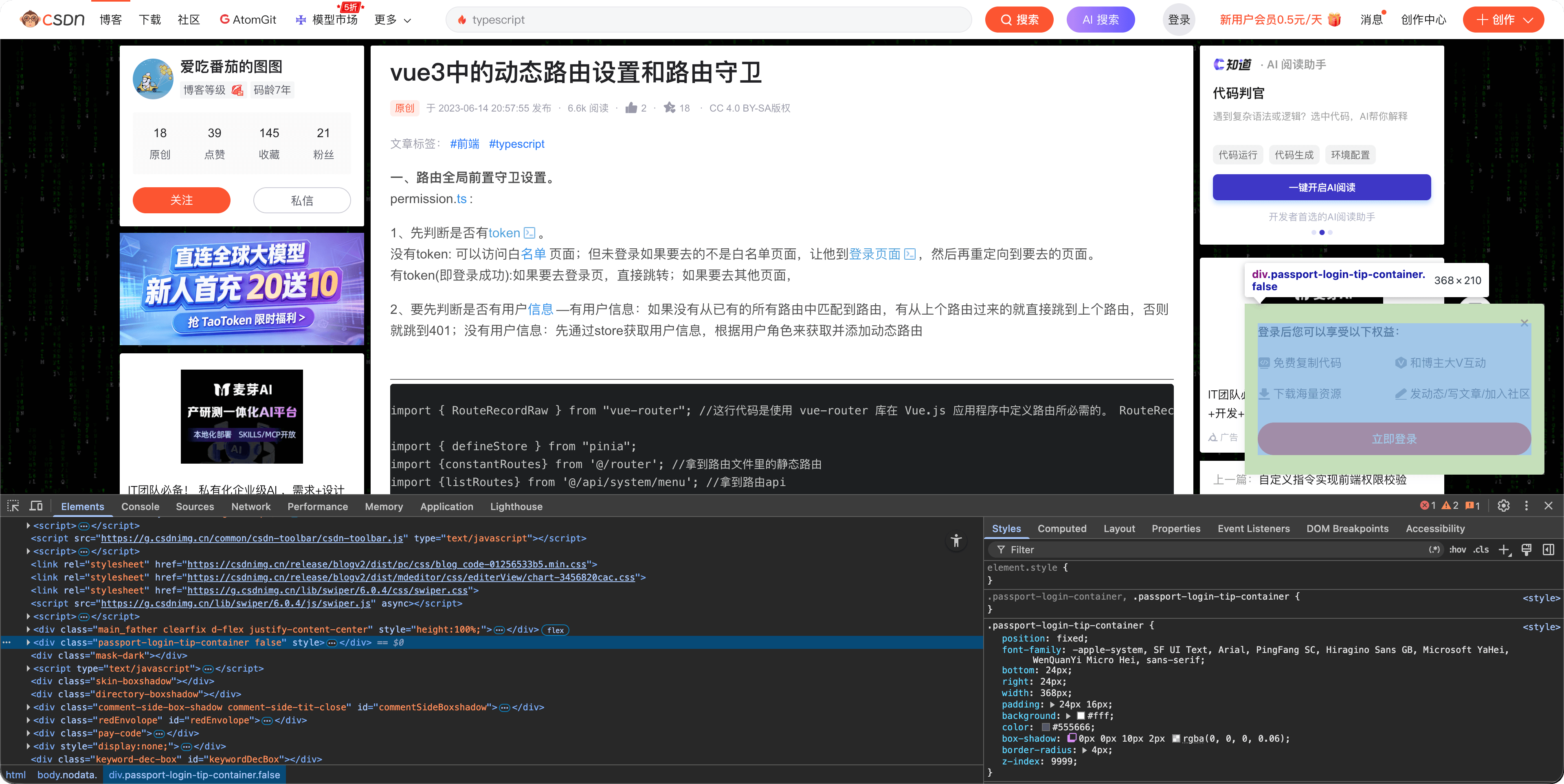
.passport-login-container,
/* 登录提示弹窗隐藏 */
.passport-login-tip-container
{
display: none !important;
}
/* 覆盖code不可复制样式 */
#content_views pre,#content_views pre code {
user-select: auto !important;
}
/* 移除关注博主即可阅读全文蒙层 */
#article_content {
height: auto !important;
}
/* 移除code隐藏 */
div.blog-content-box pre {
max-height: initial !important;
}
.hide-article-box.hide-article-pos {
display: none !important;
}
`);
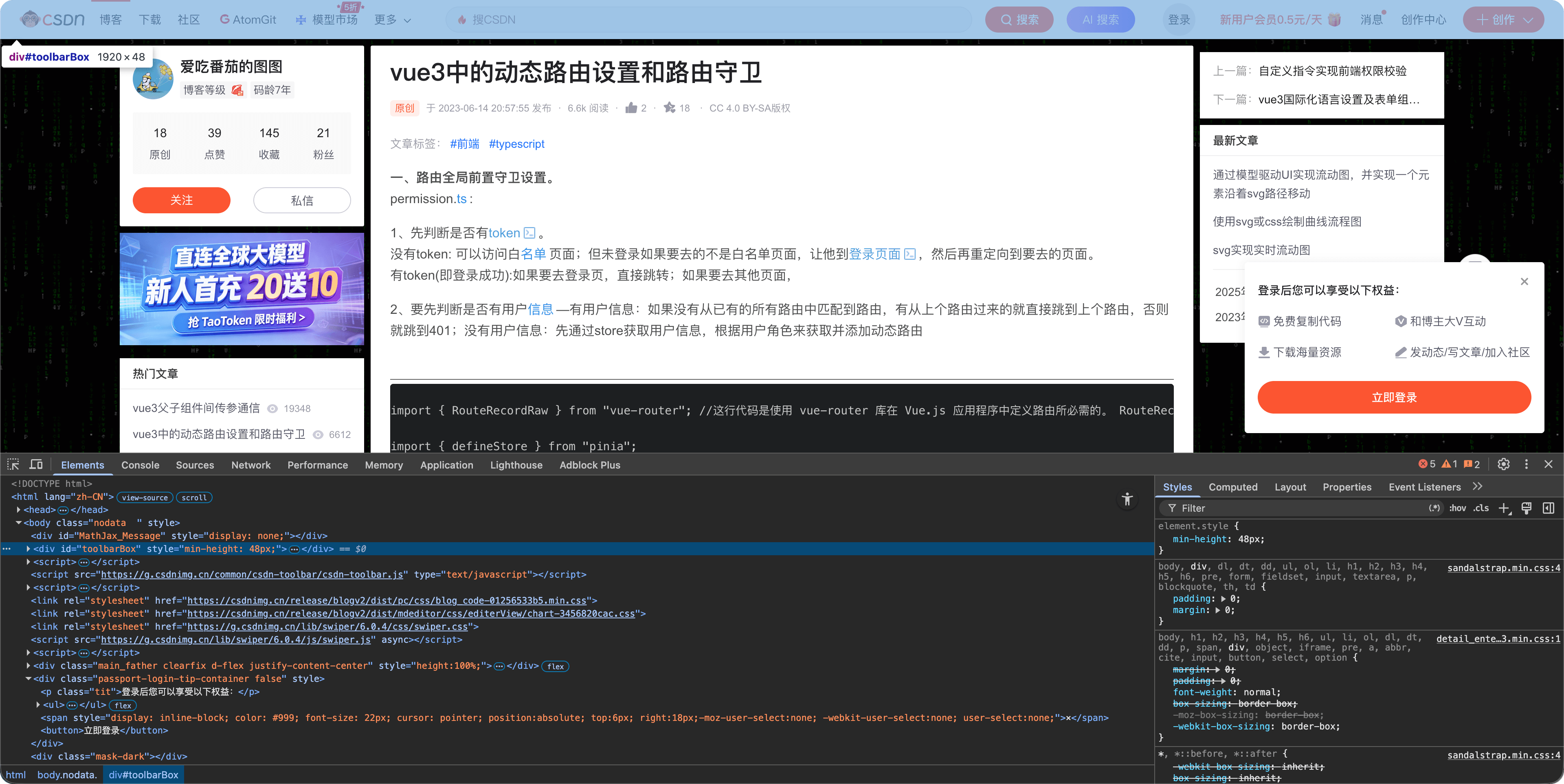
const removeIdList = [
"toolbarBox",
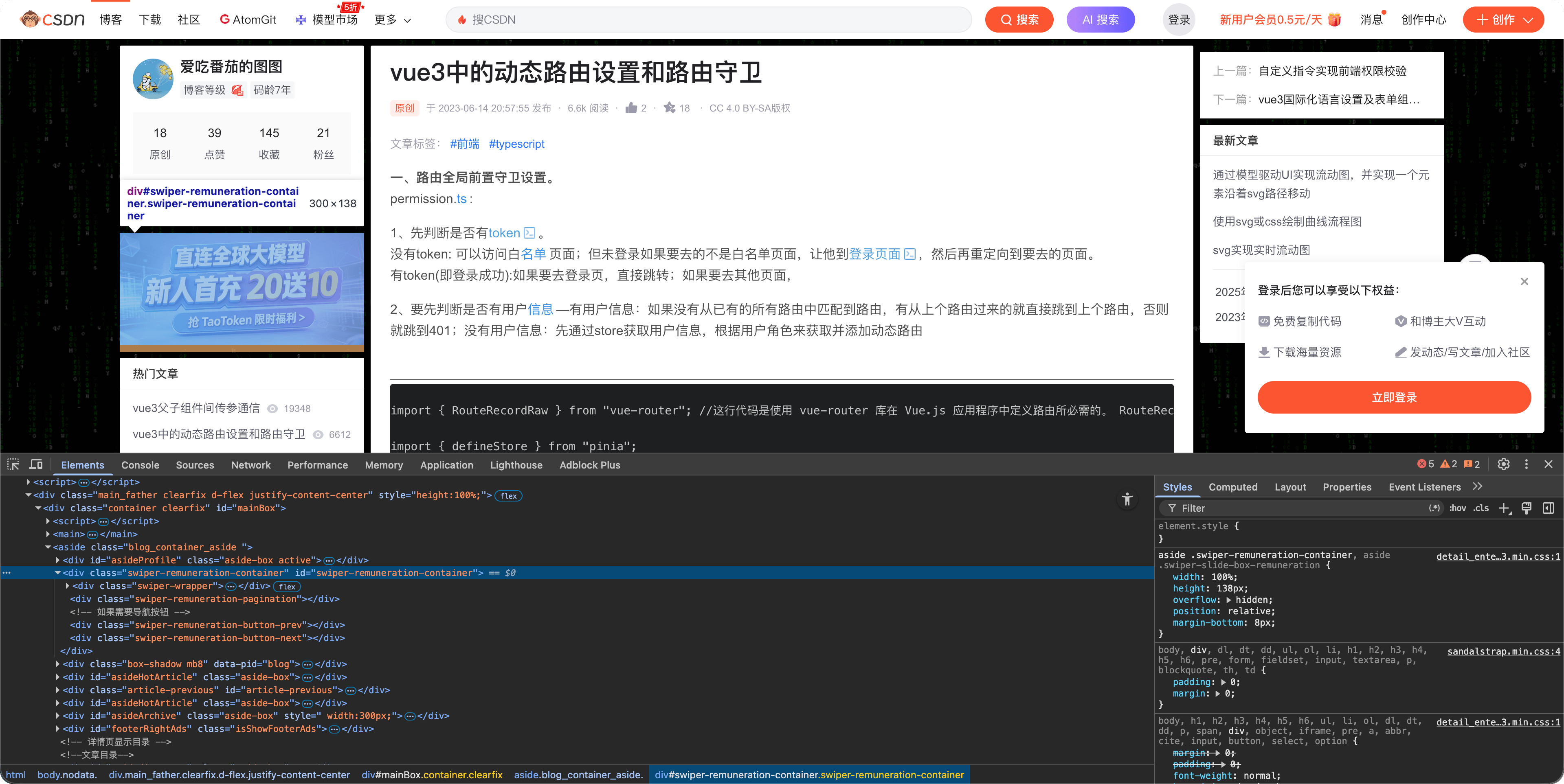
"swiper-remuneration-container",
"recommendAdBox",
"his-selection",
"asideHotArticle",
"footerRightAds",
"blogAiChat"
];
const removeClassList = [
"js-aside-cknows",
"rightside-fixed-hide","kind_person",
"starmap-box"
];
const removeScriptList = [
'copyright.js',
'https://www.clarity.ms/tag'
];
const observer = new MutationObserver((mutations) => {
mutations.forEach((mutation) => {
mutation.addedNodes.forEach((node) => {
if (node.tagName === "SCRIPT") {
removeScriptList.forEach((scriptItem) => {
if (
(node.src && node.src.indexOf(scriptItem) !== -1) ||
node.innerText.indexOf(scriptItem) !== -1
) {
node.remove();
}
});
} else if (node.nodeType === 1) {
const toRemove = [];
if (removeIdList.includes(node.id)) {
toRemove.push(node);
}
removeClassList.forEach((className) => {
if (node.classList?.contains(className)) {
toRemove.push(node);
}
});
const selectors = [
...removeIdList.map((id) => `#${id}`),
...removeClassList.map((className) => `.${className}`),
];
if (selectors.length) {
const descendants = node.querySelectorAll(selectors.join(","));
descendants.forEach((el) => toRemove.push(el));
}
toRemove.forEach((el) => {
if (el.isConnected) {
el.remove();
}
});
toRemove.length = 0;
}
});
});
});
observer.observe(document, { childList: true, subtree: true });
window.onload = () => {
const hljsButtonList = document.querySelectorAll(".hljs-button");
Array.from(hljsButtonList).forEach((buttonItem) => {
buttonItem.removeAttribute("onclick");
buttonItem.setAttribute("data-title", "免登录复制");
buttonItem.addEventListener("click", (e) => {
const codeText =
e.currentTarget.parentElement.previousElementSibling.textContent;
navigator.clipboard.writeText(codeText);
buttonItem.setAttribute("data-title", "复制成功");
setTimeout(() => {
buttonItem.setAttribute("data-title", "免登录复制");
}, 3000);
});
});
}
})();
|